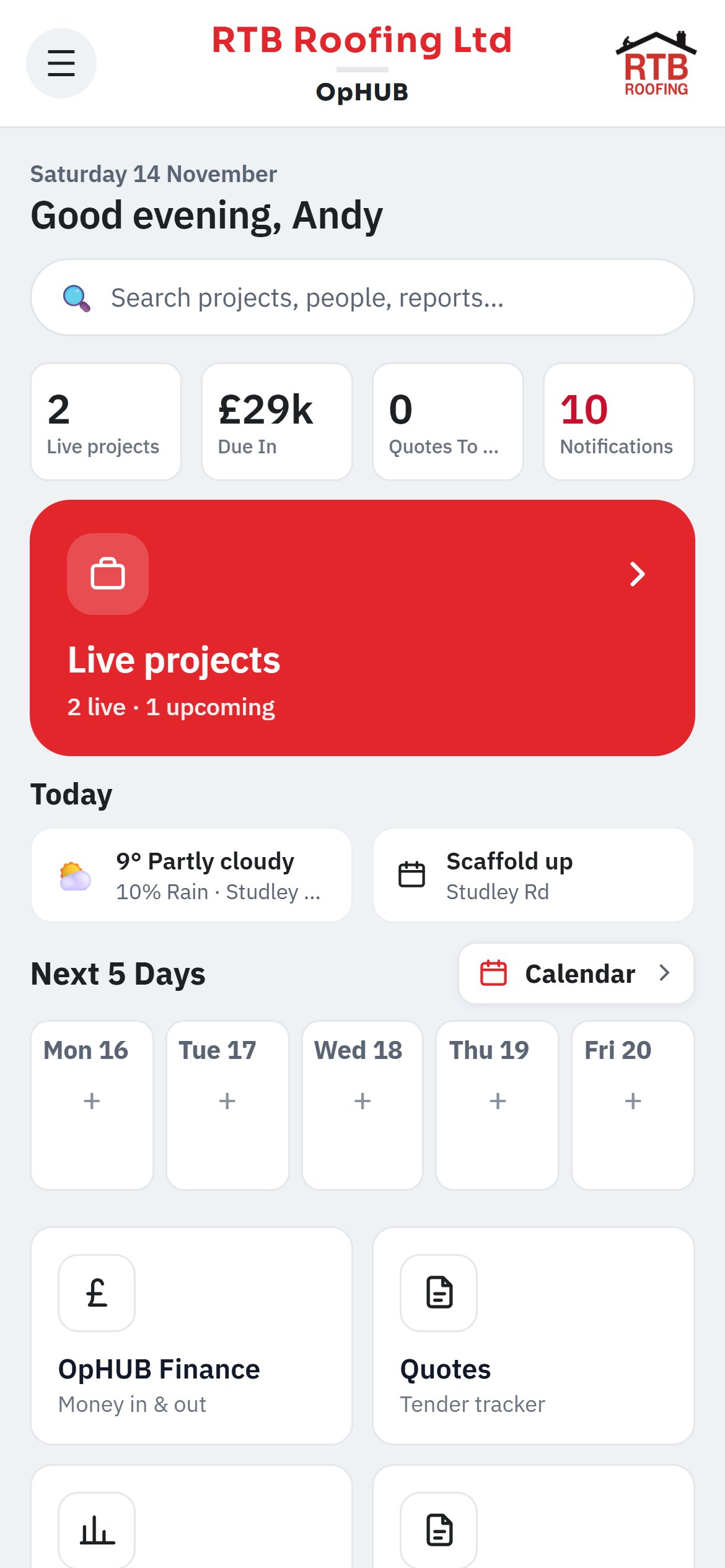
One branded app for operatives, drivers, supervisors and PMs. Simple enough that it actually gets used, every day, on every site.
Set it up once, brand it as your own, and give every person on the job exactly what they need.
What your operatives and supervisors use on every job.
Geofenced check-in and check-out, including multi-address jobs, so you always know who's on site.
Sections and tasks with progress and photos, built from your own library or imported, exported as a branded PDF.
Log and photograph snags or variations, mark up the photo, close out with evidence and export a PDF.
Drawings, specs and programmes in folders, superseded versions kept, mark-up on the plan.
Your own report templates, filled on site with photos and signatures, even with no signal.
Compliance that gets done, signed and filed, on the phone.
Build RAMS from your hazard library for the job and the task. Signed digitally by every operative.
Turn a safety data sheet into a COSHH assessment automatically, filed in folders with yearly review reminders.
Live toolbox talks and daily briefings signed on the phone, plus inductions, site rules and your H&S policy.
PPE issue log, accident and near-miss reports, HAVS, PUWER, LOLER and permits to work.
From the request on site to the drop at the gate.
Operatives request materials; you approve and the order goes to the right supplier branch, priced.
Plan the day's drops and collections slot by slot and assign them to drivers.
Drivers see today's runs in order, take completion photos and do their weekly vehicle checks.
The office side of every project and every person.
Repair jobs with surveys, photos, approval and close-out, ready to invoice.
Build the O&M manual from the job: data sheets, COSHH, guarantees and maintenance, to PDF or Word.
Every operative's cards, certificates and expiry dates in a training matrix.
Run subcontractors, their operatives, RAMS, COSHH and inspections when you're the main contractor.
Key dates per job, a company calendar and a dashboard across every project.
One inbox for messages, sign-offs and alerts, with push notifications.
Photos and exports sync to each project's OneDrive folder; your logo and colours on the app and every PDF.
Everything your team does on site carries straight through to the accounts, with nobody retyping it.
Every step on site is a step in the accounts. Three examples of how it flows.
 OpHUB